
Activate or Deactivate a Service
You can activate or deactivate a TailDesk service at any time. Active services can be used in your booking setup, while deactivated services remain saved in WordPress but are no longer available for new customer bookings.
Open your services
- In your WordPress dashboard, go to TailDesk → Services.
- Open the service you want to change.
- Locate the service status or active setting.
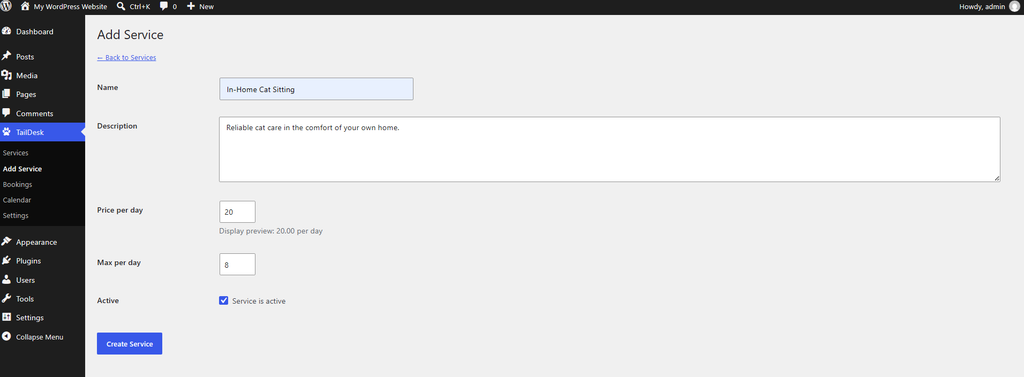
Activate a service
Enable the service’s active setting and save the service. Once active, the service can be used by TailDesk booking forms and other frontend elements that are configured to show it.
Deactivate a service
Disable the service’s active setting and save the service. The service stays in your TailDesk service list, so its name, pricing and capacity settings are preserved, but it is no longer available for new customer bookings.
Deactivating a service is useful when you temporarily stop offering it, want to prepare it before launch, or want to keep its settings without deleting it.
What happens to existing bookings?
Deactivating a service is intended to stop new use of that service. Existing booking records are kept, so you can still review your previous and current bookings in WordPress.
Tip: Deactivate a service instead of deleting it when you may want to offer it again later. This keeps the service configuration available for future use.